Your money never leaves your phone.
A full expense tracker for iPhone — accounts, budgets, multi-currency, stats. No sign-up, no cloud, no copy of your spending anywhere but the device.
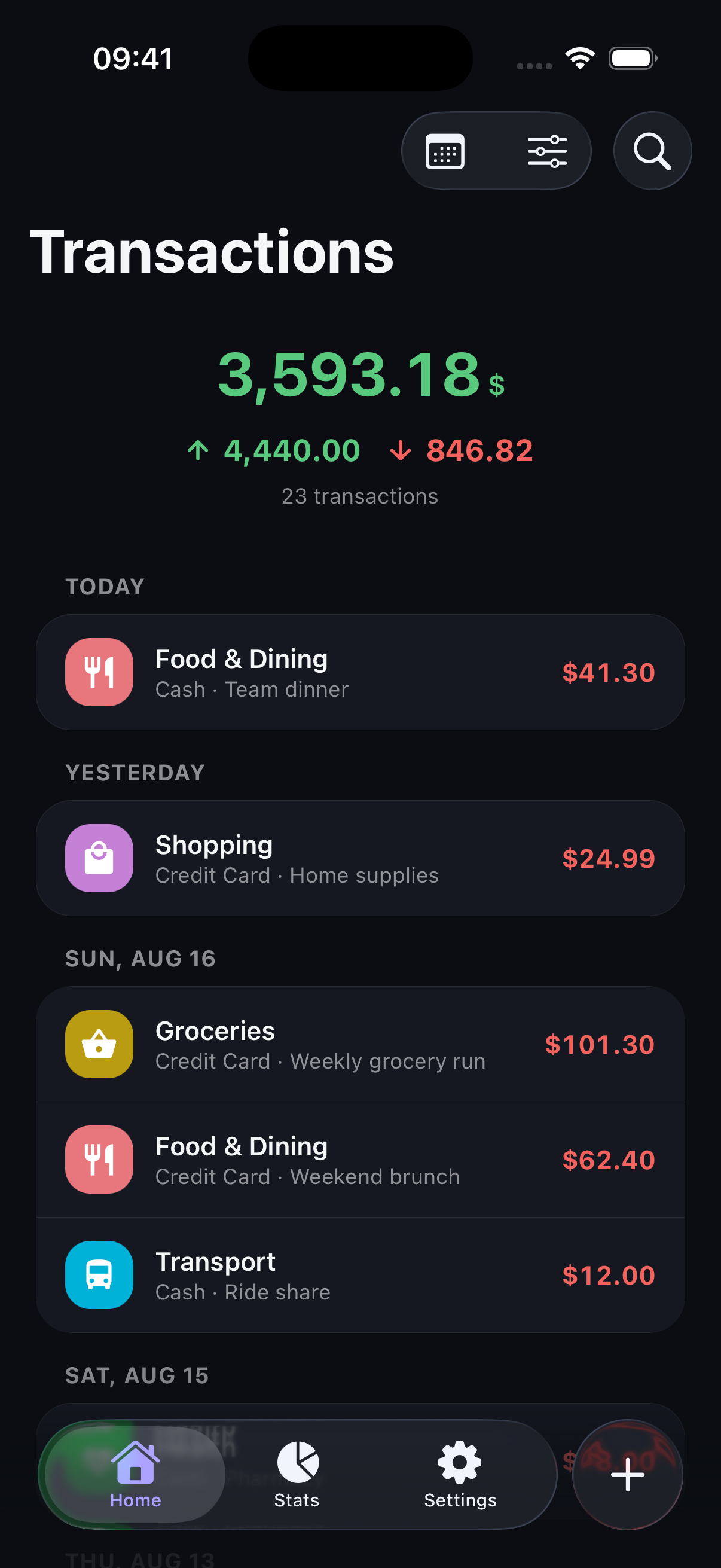
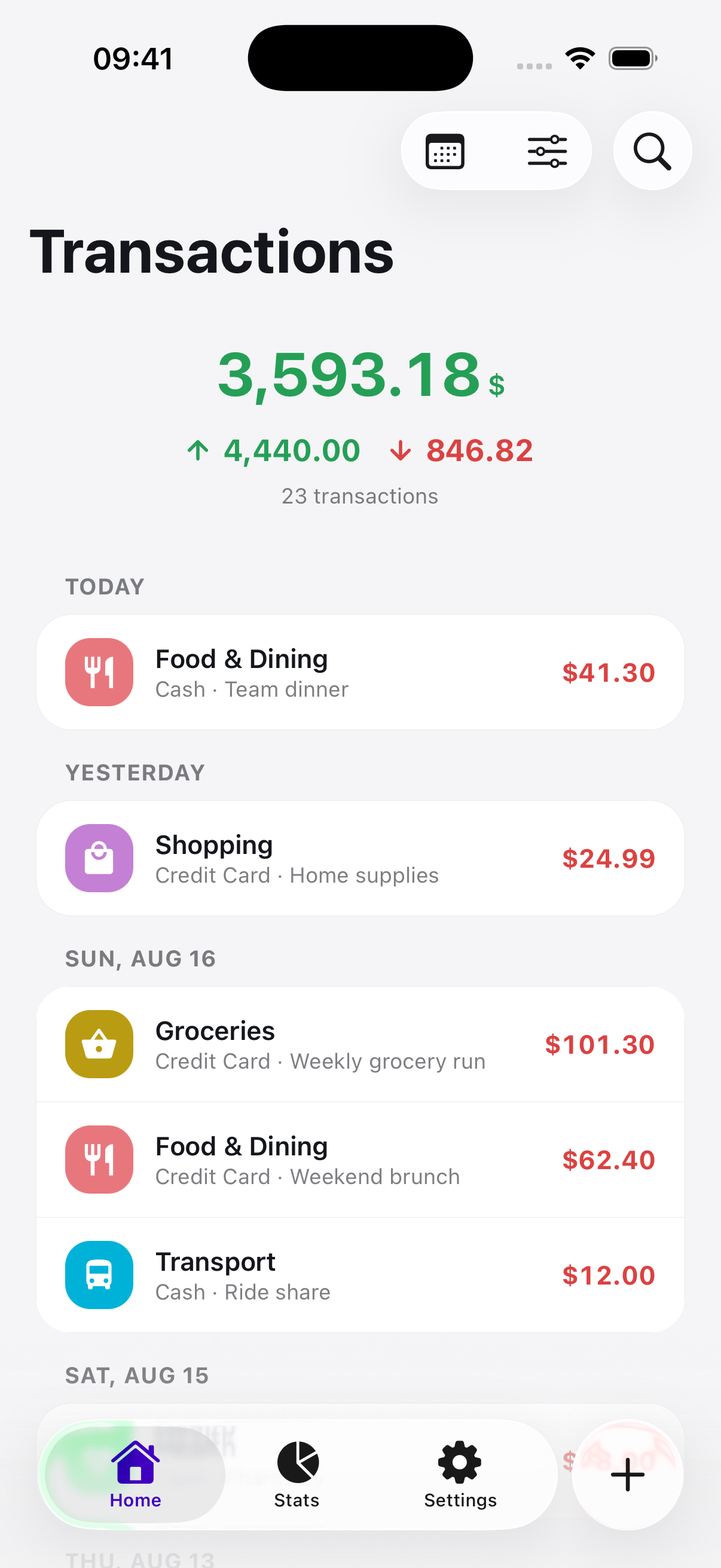
Privacy
Private by design.
Your transactions are stored in a SQLite database on the phone itself. No account, no background sync, no copy of your spending on a server anywhere. A synced app can’t say that.
-
No account
No email, no password, no profile. Open the app and start.
-
Nothing uploaded
Your amounts, notes and categories are never sent anywhere. Export a ZIP of CSVs whenever you want them elsewhere.
-
Lock it down
Optional Face ID or Touch ID with a PIN fallback, on launch and on your backup and reset screens.
The only data that ever leaves the device is anonymous usage counts and, if the app crashes, a technical report of what went wrong. Neither carries an amount, a date, a name, or anything you typed, and both can be switched off in Settings.
The ledger
Add. Done.
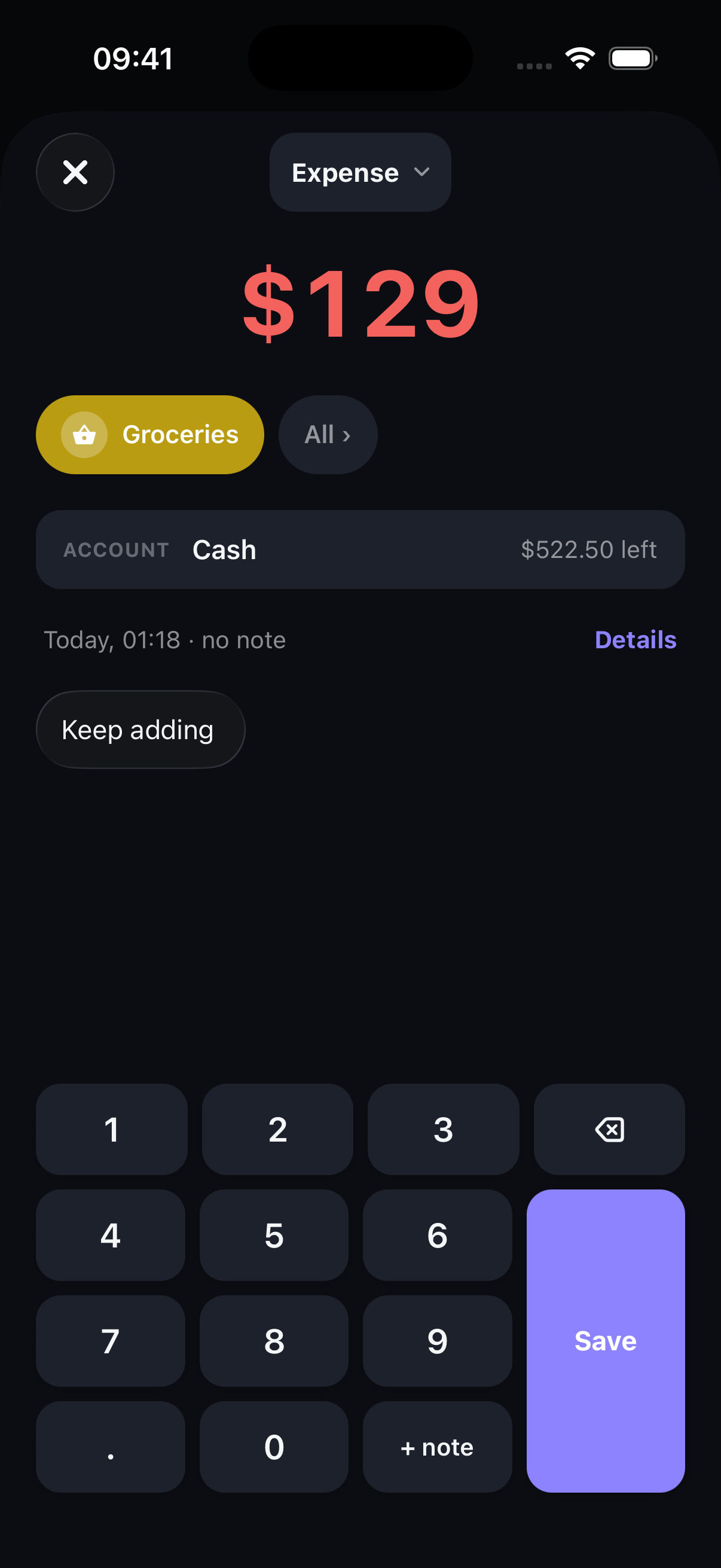
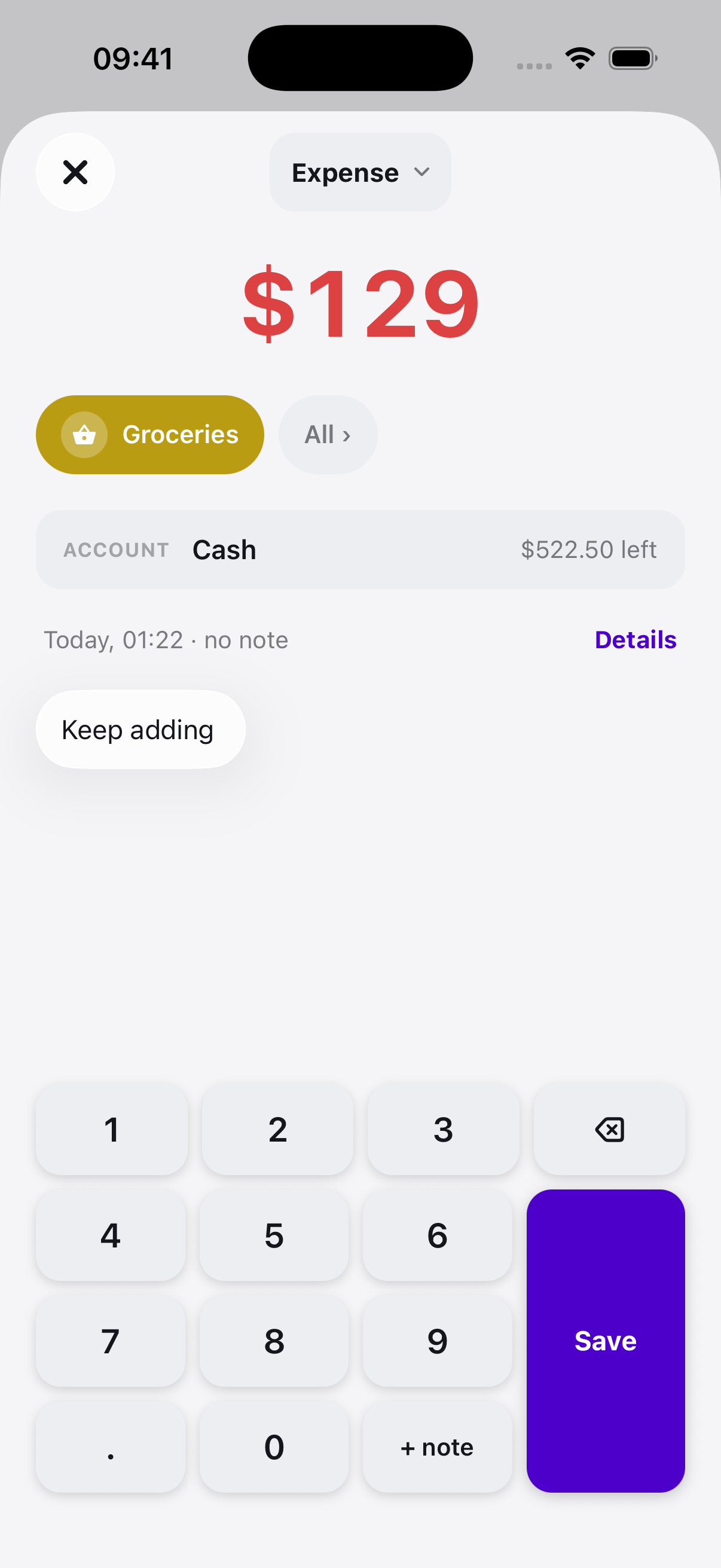
Type an amount, pick a category and an account, save. The whole transaction takes one screen and lands in the database on your phone.
- Income and expenses are filed on their own sides. Moving money between your own accounts counts as neither.
- Filter a tab by note, category, account or tag; the chart above it holds still.
- A category breakdown adds up as you go, so the month never surprises you at the end.
Every save is confirmed with a five-second Undo.
Accounts
Everything in one place.
Every account in one list — cash, bank, and other currencies at rates you set yourself. Balances roll up into a single figure.
- USD Checking Bank account $2,410.00
- EUR Rainy day Savings account €1,850.00
- JPY Wallet Cash ¥312,000
Budgets
Budgets that keep count.
Set a limit per category or a one-off. Pockit counts against it as you spend and shows how much is left and how long it has to last.
- Eating out $164 of $250Weekly from Wednesday · 3 days left
- Household $612 of $900Monthly, rolls on the 25th
- Bangkok trip $672 of $600One-off · Sep 12 – Sep 19
More
And the rest of it.
Search, tags, transfers, effective dates, CSV backup — the parts that didn’t need a section of their own.
-
Search
Notes, categories, accounts and tags.
-
Filters per tab
Narrowing your history leaves the chart alone. Each tab keeps its own lens.
-
Transfers
Move money between your own accounts. Counted as neither income nor expense.
-
Tags
Free text with autocomplete from what you have typed before. Rename or merge later.
-
Effective dates
A salary that lands on the 30th can count toward next month without lying about when it arrived.
-
Backup and restore
A ZIP of plain CSVs you can open in a spreadsheet. Your data, in a format that outlives the app.
-
Light and dark
A stored preference, not a guess at your system setting. Pick one and it stays picked.
-
Swipe to delete
Tap a row to edit it, swipe it left to remove it. No menus in between.
Now on the App Store.
Free, no account, and everything stays on your phone.
iPhone first — an Android version is coming to Google Play.
Built by Pyae Thu Aung. Questions welcome.